How to Automate with AI Agents: A Practical Guide
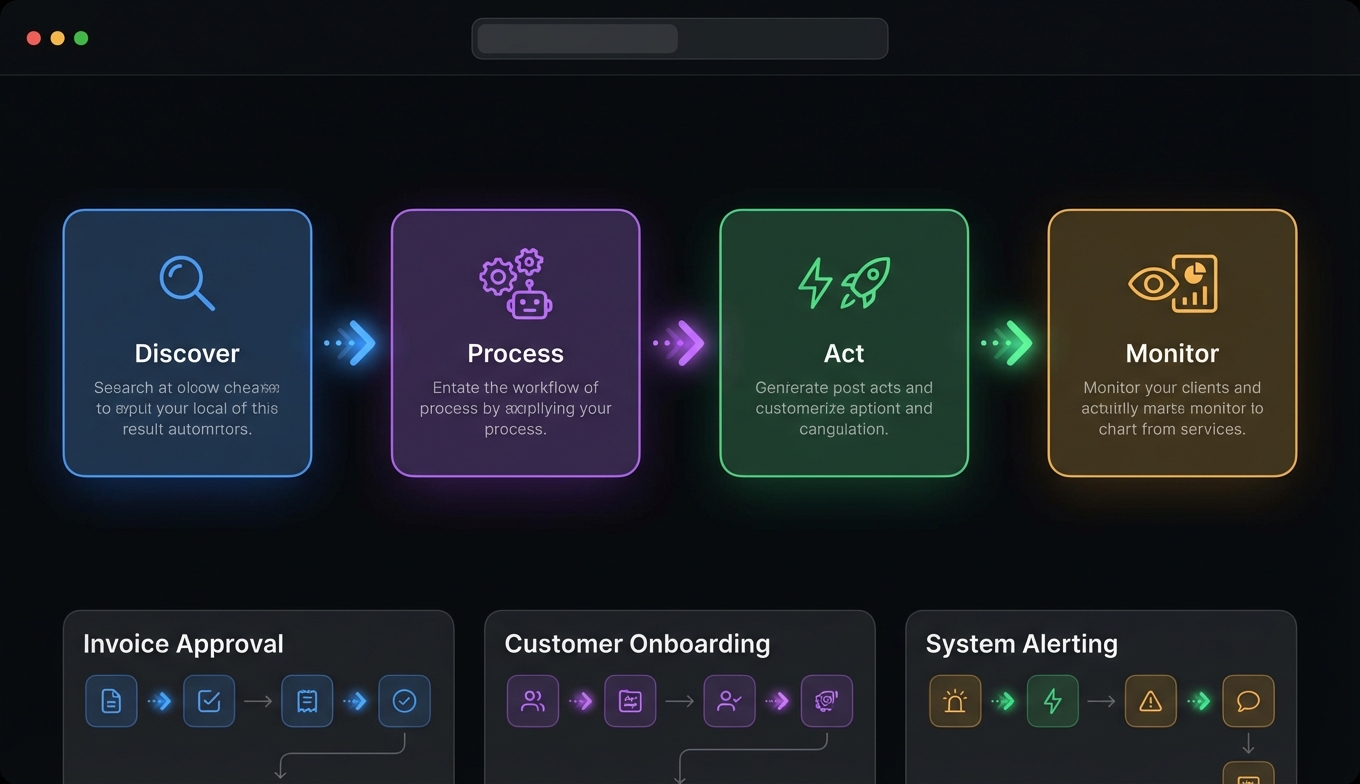
Most organizations now have AI agents running in production — up from 51% a year ago. That's not hype. It's developers figuring out that agents can handle real workflows, not just answer questions.
But there's a gap between "agents exist in production somewhere" and "I know how to automate my use case." 39% of teams are still experimenting, and over 40% of agentic projects will fail to reach production by 2027.
The difference between teams that ship and teams that don't isn't the model or the framework. It's task selection, tool design, and avoiding the mistakes that compound into failure. (For deeper engineering patterns, see our production workflows guide.)
What AI Agent Automation Actually Looks Like in 2026
Let's clear up what agent automation actually means, because the term gets thrown around loosely.
An AI agent isn't a chatbot with extra steps. It's a system where an LLM reasons about a goal, decides which tools to use, executes them, observes the results, and iterates until the task is done. The key word is decides — the agent chooses the path, not a hardcoded script.
In practice, this looks like:
- You say: "Research the top five competitors in the vertical SaaS space and draft a summary with pricing data."
- The agent searches the web, scrapes pricing pages, cross-references data, and produces a structured report.
- You didn't specify which tools to use or in what order. The agent figured it out.
The underlying patterns come from Anthropic's "Building Effective Agents" framework. The five that matter most:
Prompt chaining — sequential steps where each consumes the prior step's output. Research → summarize → draft. Simple, reliable, debuggable.
Routing — classify the input and send it to a specialized handler. Customer billing questions go to the billing agent, technical issues to support. Enables cost optimization by routing simple tasks to cheaper models.
Parallelization — run multiple LLM calls simultaneously. Search three sources at once instead of sequentially. Speed and confidence both improve.
Orchestrator-workers — a central LLM breaks down the task and delegates to specialized workers. The orchestrator doesn't do the work; it manages who does.
Evaluator-optimizer — one LLM generates output, another evaluates it, loop until quality meets the threshold. Essential for content generation and code review workflows.
Most production agent workflow automation uses one or two of these patterns. You don't need all five.
Choosing the Right Tasks to Automate
The single biggest mistake in agent automation is picking the wrong task. Not every workflow benefits from an agent, and forcing agents into the wrong use case wastes months.
Good candidates for automation
Tasks that work well have three properties:
-
Multi-step with tool use — The task requires gathering information, processing it, and taking action. Research-then-act workflows are the sweet spot.
-
Tolerance for imperfection — The output doesn't need to be flawless on the first pass. Drafts, summaries, data collection, and triage all tolerate the occasional miss. The key metric: is 90% accuracy on the first pass, with human review, better than doing it manually? Usually yes.
-
Repetitive but variable — The structure repeats, but the details change each time. "Research this company" is the same workflow whether the company is a startup or an enterprise. Pure repetition without variation is better handled by traditional automation (cron jobs, scripts). Pure variation without structure is better left to humans.
Bad candidates
- Tasks requiring 100% accuracy with no review (legal filings, financial compliance)
- One-off creative work with no repeatable structure
- Tasks where the cost of failure is catastrophic and unrecoverable
- Simple automations that work fine as a bash script
The reliability math
Here's the number that kills naive agent projects: reliability compounds multiplicatively. If each step in your workflow succeeds 95% of the time, a 20-step workflow succeeds only 36% of the time. This is why shorter workflows with fewer steps dramatically outperform complex pipelines. Keep it under five steps where possible, and add human checkpoints at decision points.
Setting Up Your First AI Agent Workflow
This setup guide walks through building a real workflow from scratch. The example: a research agent that gathers competitive intelligence.
Step 1: Choose your runtime
You need an agent framework. For most developers starting out, the options are:
- Claude Code — Terminal-native, MCP support, parallel task execution. Best for developers who live in the terminal. Currently at $2.5B ARR, so the ecosystem is well-supported.
- OpenClaw / PicoClaw — Lightweight agent runtimes with MCP support and skill systems. Good for custom agent deployments.
- LangGraph — Graph-based orchestration for complex workflows. 90K+ GitHub stars. Best when you need explicit state machines.
- CrewAI — Multi-agent collaboration with role-based design. 100K+ agent executions per day. Best for workflows where different "roles" handle different parts.
For your first automation, Claude Code or OpenClaw are the fastest paths to working code.
Step 2: Connect your tools
Tools are how agents interact with the world. The Model Context Protocol (MCP) standardizes these connections — 10,000+ servers available, works across frameworks.
For a competitive research workflow, you need:
{
  "mcpServers": {
    "tavily": {
      "command": "npx",
      "args": ["-y", "@tavily/mcp-server"],
      "env": { "TAVILY_API_KEY": "your-key" }
    },
    "apify": {
      "command": "npx",
      "args": ["-y", "@apify/mcp-server"],
      "env": { "APIFY_TOKEN": "your-token" }
    }
  }
}
Tavily handles web search with LLM-optimized results — structured text, not raw HTML. Apify handles scraping for pages that need structured data extraction. Two tools, one workflow. (Need setup help? See our Tavily setup guide and Apify tutorial.)
Step 3: Design tool-first, not prompt-first
This is the most counterintuitive lesson from production agent systems, backed by research (arxiv 2512.08769): design your tools first, then write your prompts.
Good tool design follows three rules:
- Single responsibility — Each tool does one thing.
search_webandscrape_pageare two tools, not oneget_datatool with a mode switch. - Pure functions — No hidden state. Same input, same output. This makes debugging possible.
- Self-documenting schemas — The tool name, description, and parameter names should be clear enough that the LLM rarely picks the wrong tool.
Step 4: Keep the prompt budget tight
Token economics dominate production costs. A 100:1 input-to-output ratio is common, which means most of your spend is on reading, not generating. Budget your context window:
- System instructions: 10-15%
- Tool descriptions: 15-20%
- Knowledge and RAG context: 30-40%
- Conversation history: remaining
Put unchanging content (system prompt, tool schemas) at the front — cached tokens are 75% cheaper. At 10,000 conversations per day, unoptimized context costs roughly $700/day ($255K/year). Optimized? A fraction of that.
Three Real Automation Workflows You Can Build Today
1. Competitive research pipeline
Pattern: Prompt chaining (search → extract → analyze → report)
The agent searches for competitor information via Tavily, scrapes pricing and feature pages via Apify, cross-references the data, and produces a structured comparison report.
Time to build: ~30 minutes of configuration. Time saved per run: 2-4 hours of manual research. Run it weekly and you have a living competitive intelligence system.
2. Sales outreach pipeline
Pattern: Prompt chaining with routing
The agent takes a target description ("Series B fintech companies in New York"), finds contacts via Apollo.io, verifies email addresses via Reoon, and launches campaigns through Instantly.ai. A routing layer directs responses to appropriate follow-up paths — interested leads get one treatment, objections get another.
This is one of the most common agent workflow automation patterns in production. CrewAI reports that sales outreach pipelines are among their highest-volume use cases. For the full step-by-step, see our AI sales prospecting pipeline guide.
3. Content monitoring and alerting
Pattern: Parallelization
The agent runs on a schedule, simultaneously checking multiple sources — news APIs, competitor blogs, social media, regulatory filings — for mentions of specific topics. When something relevant surfaces, it summarizes the finding and routes an alert.
This is a good first automation because it's low-risk (monitoring, not acting), high-value (catches things you'd miss), and demonstrates parallel tool use.
Common Mistakes and How to Avoid Them
The "bag of agents" anti-pattern
Multiple LLMs without formal orchestration. Each agent does its own thing, there's no shared state, and errors cascade unpredictably. Microsoft research flagged this as a "17x error trap" — failures multiply rather than resolve. Start with a single agent and only add more when a single agent genuinely can't handle the task.
Skipping evaluation
Only 52% of teams run formal evals before production. That's alarming. At minimum, measure:
- Task completion rate — Does the agent finish the job?
- Argument correctness — Are tool calls using valid parameters?
- Cost per task — Is this actually cheaper than manual?
Run evals asynchronously — never block agent responses to evaluate them. Use LLM-as-judge for subjective quality, automated checks for structural correctness, and human review for edge cases.
Set-and-forget
Model drift is real. An agent that works perfectly in February may degrade by April as APIs change, data patterns shift, or model updates alter behavior. Build continuous monitoring: track success rates over time, alert on degradation, and re-run your eval suite on a schedule.
Context bloat
Loading everything into the context window because "the model might need it" causes context rot — the model's recall degrades as the window fills, especially for information in the middle. Scope aggressively. Only include what the current step needs. If you find your agent forgetting instructions mid-workflow, your context is too large.
No error recovery
When an API returns a 500, what does your agent do? If the answer is "crash" or "hallucinate a response," you're not ready for production. Implement:
- Retry with exponential backoff (2s → 4s → 8s)
- Circuit breakers that stop calling failing services
- Fallback chains: primary model → simpler model → cached response → human escalation
- Error classification so you can distinguish reasoning failures from tool failures from auth failures
Frequently Asked Questions
How do I start automating with AI agents?
Pick a single workflow that's repetitive, multi-step, and tolerant of imperfection — competitive research, data collection, or content monitoring are good starting points. Choose a runtime (Claude Code for terminal-based workflows, OpenClaw for custom agents, or LangGraph for complex orchestration), connect two or three MCP tools (search and data access at minimum), and build a simple prompt-chaining workflow. Test with real inputs, measure accuracy, and iterate before adding complexity. Most teams go from zero to a working prototype in a few hours.
What tasks should I automate with AI agents?
The best candidates combine multi-step tool use, repeatable structure with variable details, and tolerance for imperfect first drafts. Research workflows (competitive analysis, market sizing, lead generation), content workflows (monitoring, summarization, drafting), and data workflows (collection, enrichment, reporting) are the most common production use cases. Avoid tasks requiring 100% accuracy with no human review, one-off creative work, and simple automations better handled by scripts. The reliability math matters: keep workflows under five steps where possible.
How much does AI agent automation cost?
Costs vary by volume and model choice, but the dominant factor is token usage — specifically input tokens, which typically outnumber output tokens 100:1. At 10,000 conversations per day with unoptimized context, expect roughly $700/day. Optimized context management (caching, aggressive scoping, model routing) can reduce this by 60-80%. MCP tool costs are separate: many have free tiers (Tavily offers 1,000 searches/month, FRED and Census APIs are free), while outreach tools like Instantly start around $30/month. Organizations project an average ROI of 171% from agentic AI, with 66% reporting increased productivity.
What's the difference between AI agent automation and traditional automation?
Traditional automation (scripts, cron jobs, workflow tools) follows predetermined paths — if X, then Y. AI agent automation lets the LLM decide the path based on the goal and available tools. The agent can handle variation: "research this company" works whether the company has a public API or requires web scraping, whether there's lots of information or little. The tradeoff is reliability — traditional automation is deterministic (100% repeatable), while agent automation is probabilistic (high success rate but not guaranteed). Use traditional automation for fixed, simple logic. Use agents for flexible, multi-step reasoning tasks.
How reliable are AI agent workflows in production?
Reliability compounds multiplicatively: 95% per step across 20 steps yields 36% overall success. Production teams manage this by keeping workflows short (3-5 steps), adding human checkpoints at decision points, implementing retry logic with exponential backoff, and using fallback chains. The 57.3% of organizations with agents in production achieve reliability through engineering — error handling, circuit breakers, continuous evaluation — not through prompt magic. Teams that skip evaluation (48% of them) are the ones contributing to the 40%+ project failure rate Galileo predicts.